Table of contents
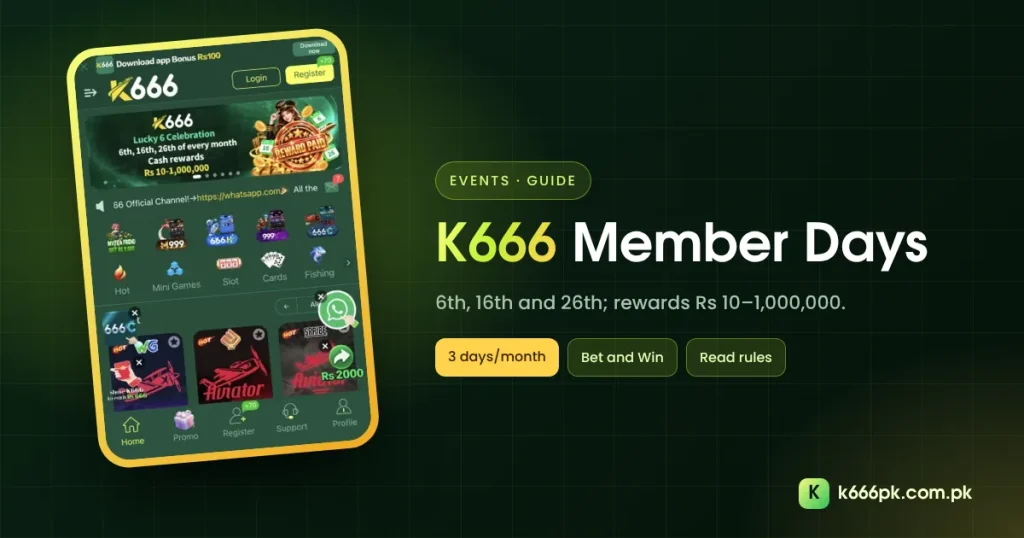
K666 Member Days fall on the 6th, 16th and 26th of every month. The home banner calls them the “Lucky 6 Celebration” with cash rewards from Rs 10 to Rs 1,000,000. This guide explains where to find the event and how to read the prize range.
Where K666 Member Days Are Shown
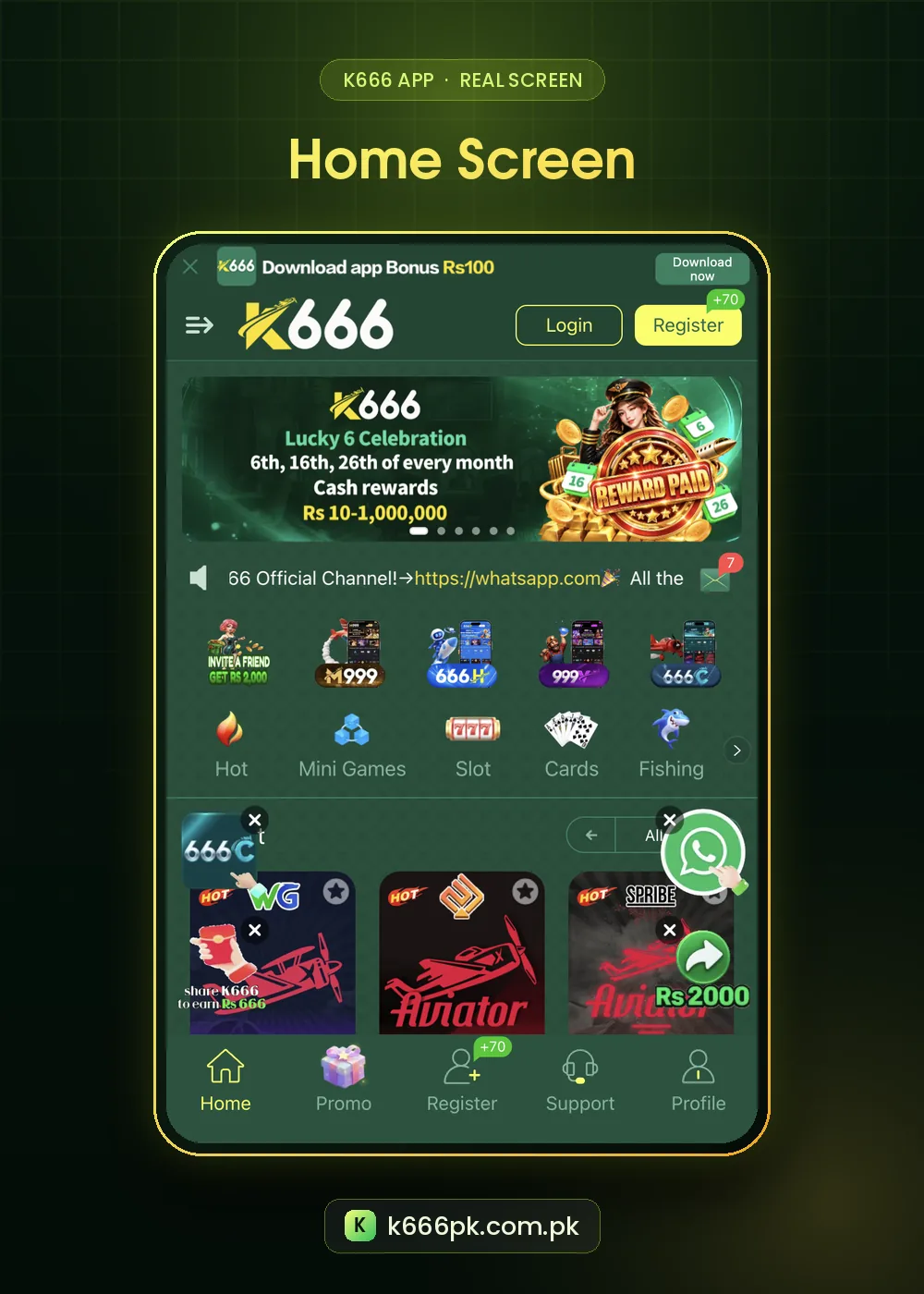
- The first slide of the home banner.
- The register banner: “Member Days 6, 16 & 26: Top reward Rs 1,000,000”.
- The Marquee tab: “Member’s Days 6-16-26 · Bet and Win”.
K666 Member Days Prize Range
| Detail | What the app shows |
|---|---|
| Dates | 6th, 16th and 26th of every month |
| Cash rewards | Rs 10 to Rs 1,000,000 |
| Marquee line | Bet and Win |
A range that starts at Rs 10 and ends at Rs 1,000,000 tells you most players receive amounts near the bottom. The top figure is the single highest possible reward, usually tied to very large betting on that day.
How to Join K666 Member Days
- Open the banner or the Marquee notice on the 6th, 16th or 26th.
- Read the event rules: which bets count and the reward tiers.
- Play only within your normal budget.
- Collect rewards from Unclaimed.
Because the event is “Bet and Win”, rewards follow betting volume. Do not save money to bet more on Member Days. Our K666 budget plan explains why.
Planning Around K666 Member Days
Three event days a month can easily become three extra deposit days. Decide in advance whether a Member Day is one of your normal playing days. If it is, play as usual and treat any reward as a bonus.
Big headline prizes are designed to attract attention. If you feel pulled to chase them, take a break; Gamblers Anonymous offers help.
Member Days and Your Monthly Calendar
| Date | Ask yourself |
|---|---|
| 6th | Is this one of my planned play days? |
| 16th | Have I stayed inside this month’s budget? |
| 26th | Is there money left in this month’s budget? |
Three events a month can quietly double how often you play. Putting them on your calendar with a question next to each keeps the decision in your hands.
Reading the Event Rules
- Open the Member Day banner on the day.
- Find the reward tiers and the betting needed for each.
- Check which games count.
- Note when rewards are paid and where they appear.
Member Days vs Other K666 Events
Unlike the first deposit bonus, which is a fixed table, Member Day rewards depend on betting volume and luck. Treat them as a bonus on a day you would play anyway. The K666 bonus guide compares all events.
Step by Step: Checking a K666 Member Day
- On the 6th, 16th or 26th, open the home banner.
- Read the reward tiers.
- Check the Marquee tab for the day’s message.
- Play only your planned session.
- Look in Unclaimed after the event ends.
Member Days Glossary
| Term | Meaning |
|---|---|
| Lucky 6 Celebration | The banner name for Member Days |
| Bet and Win | Rewards follow betting on the day |
| Top reward | The single highest possible amount |
| Cash rewards | Paid as balance, often with rules |
If a Member Day falls on a day you had not planned to play, the simplest choice is to skip it. Another one comes in ten days.
K666 Member Days FAQ
When are K666 Member Days?
The 6th, 16th and 26th of every month.
What can I win on K666 Member Days?
Cash rewards from Rs 10 up to Rs 1,000,000; most rewards are small.
Do I need to bet to join?
The Marquee calls it “Bet and Win”, so rewards follow betting. Read the event rules.